

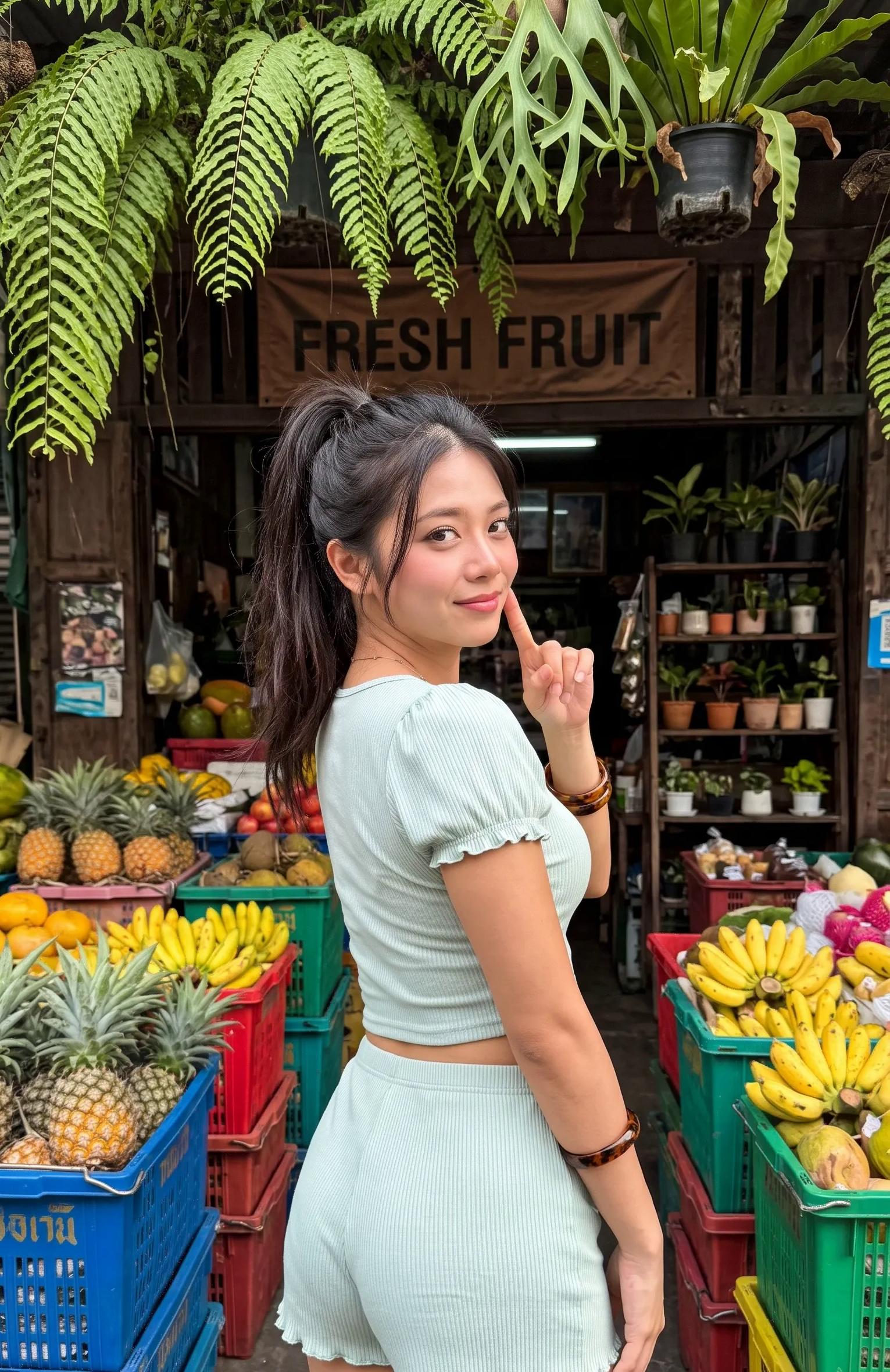
Fixing these problems traditionally required dedicated photo-editing software and some knowledge of tools like Adobe Photoshop. However, AI-powered photo editors are making everyday image editing considerably more accessible.
PicWish is an AI-powered photo editing platform that brings multiple image editing and enhancement tools into one workspace. It allows users to remove image backgrounds, enhance blurry photographs, erase unwanted objects, generate new backgrounds, restore old pictures, and perform other editing tasks without relying entirely on manual editing.
I explored PicWish and tested several of its main features in this hands-on tutorial, including its background remover, AI photo enhancer, object removal tool, background generator, and batch processing capabilities.
If you're a content creator, photographer, online seller, or someone who regularly works with images, here's what you should know about PicWish.
Watch the Full PicWish AI Photo Editor Tutorial
In this video, I walk through the PicWish platform and demonstrate how its AI-powered photo editing tools work, including practical examples and an overview of its pricing options.What Is PicWish AI Photo Editor?
PicWish is an AI-powered photo editing platform designed to simplify common image editing tasks through automated tools.Instead of switching between multiple applications for background removal, image enhancement, object removal, and photo restoration, users can access these capabilities through one platform.
PicWish is particularly useful for:
- Content creators: Preparing images for YouTube thumbnails, social media posts, and other digital content.
- Online sellers: Creating cleaner product photographs and consistent product listings.
- Photographers: Enhancing photographs and removing unwanted distractions.
- Small businesses: Preparing marketing visuals without maintaining a dedicated photo-editing workflow.
- Everyday users: Improving personal photographs and restoring older pictures.
1. AI Background Remover: Remove Image Backgrounds Automatically
One of the most useful features in PicWish is its AI background remover.Removing an image background manually can be time-consuming, especially when dealing with complicated edges, hair, clothing, or objects with irregular shapes.
PicWish automates much of this process by detecting the main subject and separating it from the original background.
How to remove an image background using PicWish:
- Open the PicWish Background Remover.
- Upload the photograph you want to edit.
- Allow the AI to detect and separate the main subject.
- Review the background-free result.
- Keep the transparent background or replace it with another background.
- Download the edited image using an available download option.
For example, an online seller can remove the original background from a product photograph and prepare a cleaner image for an online store.
Best use cases: Product images, profile pictures, thumbnails, promotional graphics, and social media content.
2. AI Photo Enhancer: Improve Blurry and Low-Resolution Images
Have you ever wanted to reuse an old photograph but found that it was too blurry or pixelated?PicWish includes AI photo enhancement tools that attempt to improve image clarity, sharpen details, and upscale supported photographs.
Rather than manually adjusting multiple image-editing settings, you can upload a photograph and let the enhancement tool process it.
This can be useful when working with:
- Low-resolution photographs.
- Slightly blurry images.
- Older digital photographs.
- Images intended for social media.
- Product photographs that need improved clarity.
However, AI enhancement has limitations. It cannot always recover genuine details that were never captured in the original photograph. Results can vary depending on image quality, resolution, and the amount of blur.
Best use cases: Improving old photographs, preparing images for publishing, and enhancing suitable low-resolution pictures.
3. AI Object Remover: Erase Unwanted Objects from Photos
Sometimes a photograph looks perfect except for one unwanted object or distraction in the background.It could be an unwanted person, an object, a visual distraction, or something that accidentally appeared in the frame.
PicWish offers an object removal tool that allows users to select unwanted areas and let AI attempt to reconstruct the missing parts of the image.
How it works:
- Open PicWish's object removal tool.
- Upload the photograph.
- Select or mark the unwanted object.
- Start the removal process.
- Review the reconstructed area and download the result if you're satisfied.
This is particularly useful for cleaning up personal photographs, product images, and social media content without manually editing every part of the picture.
One thing to remember is that object removal is not always perfect. Complex backgrounds, overlapping subjects, and large removed areas can produce noticeable reconstruction errors.
Best use cases: Removing background distractions, cleaning product photographs, and improving everyday pictures.
4. AI Background Generator: Create New Backgrounds for Your Images
Removing a background is useful, but sometimes you want something more creative.PicWish also offers AI background generation, which allows you to create a new environment around an existing subject.
For example, imagine you have a product photograph taken against a plain or unattractive background. Instead of setting up an actual photography studio, you can upload the product image and describe the environment you want.
In my demonstration, I used the idea of a premium studio setup with soft lighting and a minimalist beige background.
The AI then generates a new background around the uploaded subject.
This opens up several possibilities:
- Creating professional-looking product photography.
- Generating lifestyle-style product backgrounds.
- Preparing promotional images for online stores.
- Creating different visual environments for marketing campaigns.
- Producing alternative backgrounds for social media content.
You can explore the PicWish AI Background Generator to see its available options.
5. Additional PicWish AI Photo Editing Tools
Beyond the main features demonstrated in the video, PicWish provides several other image-editing capabilities.Here are some additional tools worth exploring.
Old Photo Restoration
The old photo restoration tool uses AI to help repair and improve older photographs.It can be useful when working with aged family pictures, damaged photographs, and images that have lost visual clarity over time.
Photo Colorization
Photo colorization allows users to add AI-generated color to black-and-white photographs.This can be particularly interesting for people who want to experiment with restoring old family pictures or giving historical photographs a different appearance.
Keep in mind that AI-generated colors are interpretations, not necessarily accurate representations of the original scene.
AI Image Expansion
AI image expansion allows you to extend an image beyond its original boundaries by generating additional visual content.For example, you might have a portrait photograph that doesn't fit a wider social media layout. Image expansion can help generate additional surrounding content to create a different aspect ratio.
This can be useful when adapting images for different platforms and design requirements.
Other Editing Tools
PicWish's online tools directory also includes features such as:- AI face enhancement.
- Face cutout.
- White background generation.
- Image compression.
- Image cropping and resizing.
- Watermark removal.
- Product photo editing.
Explore the complete PicWish tools directory for more information.
6. Batch Photo Editing: Process Multiple Images Together
One feature worth highlighting is batch processing.If you regularly work with large numbers of photographs, editing each image individually can become repetitive and time-consuming.
PicWish provides supported batch editing tools that allow users to process multiple images together instead of repeating the same workflow for every photograph.
For example, imagine you're managing an online store with hundreds of product photographs.
You might need to remove the background from each image before uploading it to your store. Instead of processing each photograph separately, supported bulk editing features can help streamline the workflow.
Batch processing can be particularly useful for:
- E-commerce product photography.
- Large image collections.
- Social media content preparation.
- Business marketing materials.
- Repetitive image enhancement tasks.
For anyone regularly handling large image collections, this is one of the features worth exploring.
7. PicWish Pricing: Free Plan, Pro Subscription and Pay-as-You-Go Credits
PicWish offers free access to selected tools, alongside paid subscription and credit-based options.The free plan is useful for exploring the platform and testing some of its capabilities. However, processing limits and download quality restrictions may apply.
For users who need more frequent editing, PicWish provides paid plans with additional usage allowances.
Here's a simplified overview:
| Plan | What to expect |
|---|---|
| Free | Access to selected tools, previews, and limited downloads |
| Pro | Additional credits, HD downloads, and higher usage allowances |
| Max | Higher credit allowances and additional benefits on supported tools |
| Pay-as-you-go | Purchase credits as needed; unused purchased credits do not expire |
Subscription credits are recurring credits, while pay-as-you-go credits do not expire.
Different AI tools can consume different amounts of credits, so the number of images you can process depends on the feature you're using and your available balance.
Before purchasing a subscription, I recommend checking the current pricing and usage limits directly.
Official pricing: PicWish Pricing Plans.
Is PicWish Worth Trying?
PicWish is worth exploring if you regularly need to perform everyday photo-editing tasks and prefer having multiple AI-powered tools in one platform.Its biggest advantage is convenience. You can access background removal, image enhancement, object removal, background generation, and other editing capabilities without constantly switching between different services.
Advantages
- Multiple tools in one platform: Access several common AI photo-editing features from one workspace.
- Beginner-friendly workflow: Most tools follow a straightforward upload, process, and download approach.
- Useful for e-commerce: Background removal and product image editing can help prepare product photographs.
- Creative flexibility: AI background generation and image expansion offer additional editing possibilities.
- Batch processing: Supported bulk tools can reduce repetitive editing work.
Limitations to Consider
- Usage restrictions: Free downloads and processing allowances are limited.
- Credit consumption: Different AI features may consume different amounts of credits.
- AI imperfections: Enhancement and object removal results aren't guaranteed to be perfect.
- Subscription considerations: Heavy users should evaluate recurring credits, daily limits, and actual usage before subscribing.
My Verdict
PicWish brings together several practical AI photo-editing features in one accessible workspace.I particularly like the combination of background removal, photo enhancement, object removal, and AI background generation because these are common tasks for content creators and people working with product images.
It's not necessarily a replacement for professional photo-editing software when you need detailed manual control, but it can simplify many everyday editing workflows.
If you're looking for a beginner-friendly AI photo editor with multiple tools available in one place, PicWish is worth checking out.
Frequently Asked Questions About PicWish
What is PicWish used for?
PicWish is an AI-powered photo editing platform used to remove image backgrounds, enhance blurry photographs, erase unwanted objects, generate new backgrounds, restore old photos, and perform other image-editing tasks.Is PicWish free to use?
PicWish offers a free plan with access to selected tools and limited processing or download allowances. Paid plans provide additional credits and usage benefits. Check the official pricing page for current restrictions.Can PicWish remove backgrounds automatically?
Yes. PicWish includes an AI background remover that detects the main subject in an uploaded image and separates it from the original background. Users can then keep a transparent background or replace it with another one.Can PicWish improve blurry photos?
Yes. Its AI photo enhancement tools can improve image clarity and sharpen details in supported photographs. However, results vary depending on the original image quality, and AI cannot guarantee the recovery of missing details.Can PicWish remove unwanted objects from photographs?
Yes. PicWish includes an object removal feature that lets users select unwanted areas and uses AI to reconstruct the surrounding image.Does PicWish support batch photo editing?
Yes. PicWish offers supported batch editing capabilities, allowing users to process multiple images together. Available operations and limits depend on the specific tool and subscription.Do PicWish pay-as-you-go credits expire?
According to PicWish's official pricing information, purchased pay-as-you-go credits do not expire and can be used across supported PicWish platforms until they are exhausted. Recurring subscription credits follow different rules.Who should use PicWish?
PicWish can be useful for content creators, online sellers, photographers, small businesses, marketers, and everyday users who regularly need to edit photographs.Try PicWish AI Photo Editor
If you want to explore the features covered in this tutorial, you can visit PicWish through the links below.- PicWish Official Website: https://picwish.com/?apptype=akalanka
- Explore All AI Tools: https://picwish.com/tools?apptype=akalanka
- Pricing and Plans: https://picwish.com/pricing
Which PicWish feature would you use the most?
Would you choose AI background removal, photo enhancement, object removal, or AI background generation?
Let me know in the comments!
If you enjoy practical AI tools, technology tutorials, and useful software guides, subscribe to my YouTube channel for more.